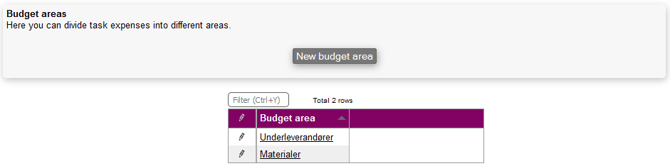
In this section, it is possible to create budget areas, allowing you to let Microbizz divide expenses within a task into different areas.
Create a budget area
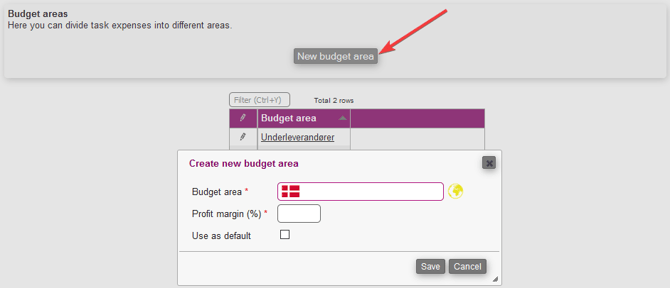
In order to establish a new budget area, you will need to complete the following details:
- Budget area: This serves as a label to distinguish the budget area.
- Profit margin (%): The percentage that the system will utilize for pricing calculations when adding a product via an EDI.
- Use as default: By selecting this option, the budget area will be set as the default for all new tasks.
Edit a budget area
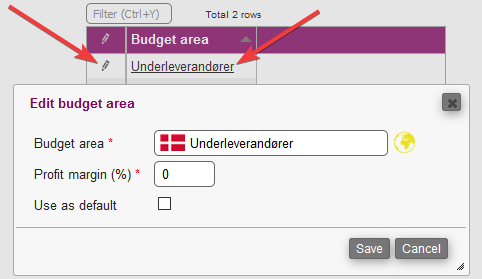
To make changes to a budget area, simply access the same menu and either click on the pencil icon or directly on the title to enter edit mode.