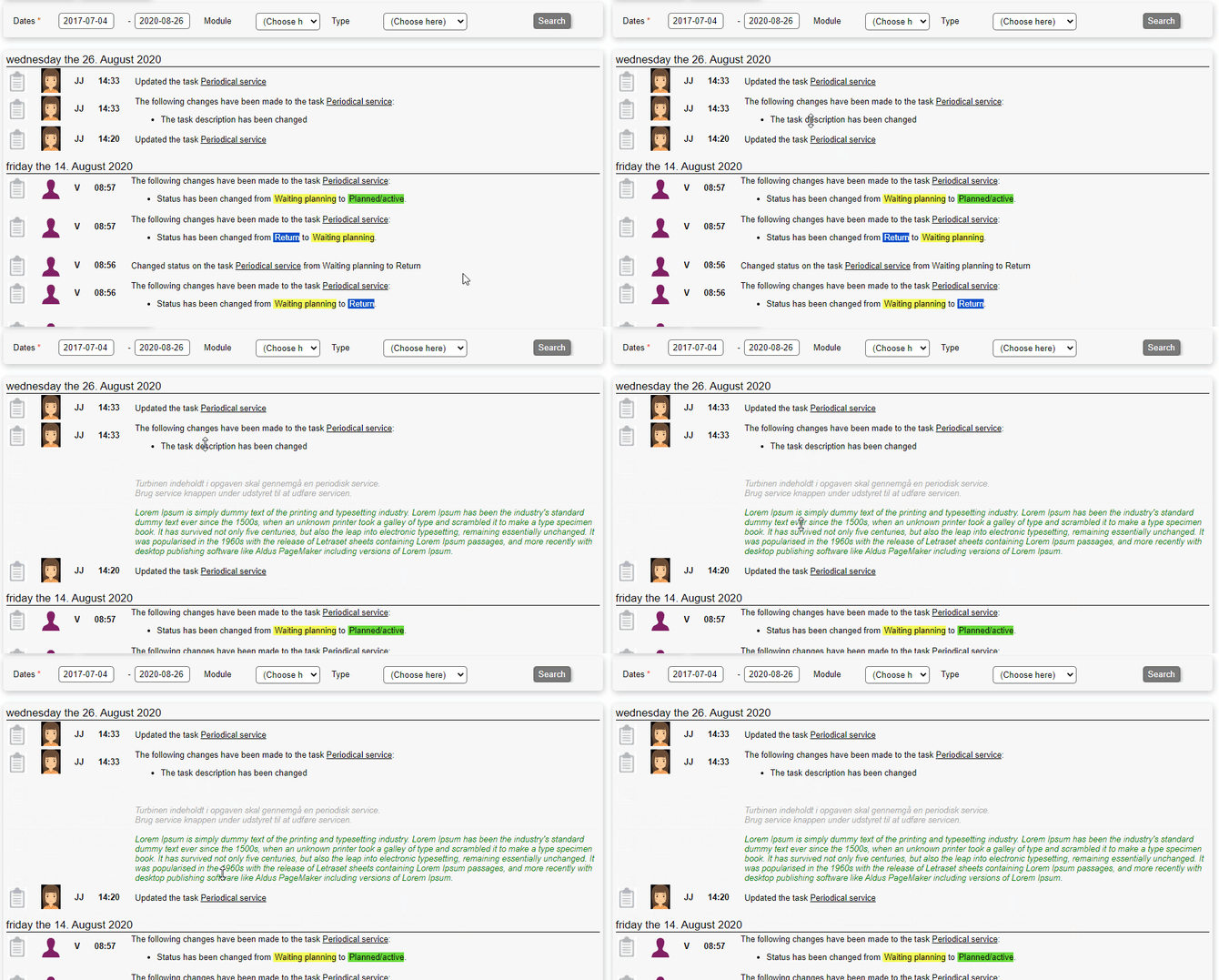
The activity tab is used in most modules and shows a user friendly chronological log of activity on the specific object.
When accessing the activity tab we see the following options:
- Dates from and to: Choose when to filter the results from and to
- Module: If more modules are represented in the activity, you can specify which ones
- Type: Choose between different system tags
See activity
The activity is shown in a chronological order and the information contain:
- Module icon: Showing which module the activity refers to
- User icon: The icon of the user
- User initials: The initial of the user
- Timestamp: When is the activity created
- Activity text: An explanation of the activity
.png?width=670&height=419&name=image2020-8-26_14-33-26%20(2).png)
Expanding activity
Sometimes an activity is collapsed to save space, and has to be expanded if the whole information is to be regarded.