A work area in Microbizz is an element used to qualify what work is done. For a task, it defines what kind of task it is; for a time registration, it designates what type of work was carried out.
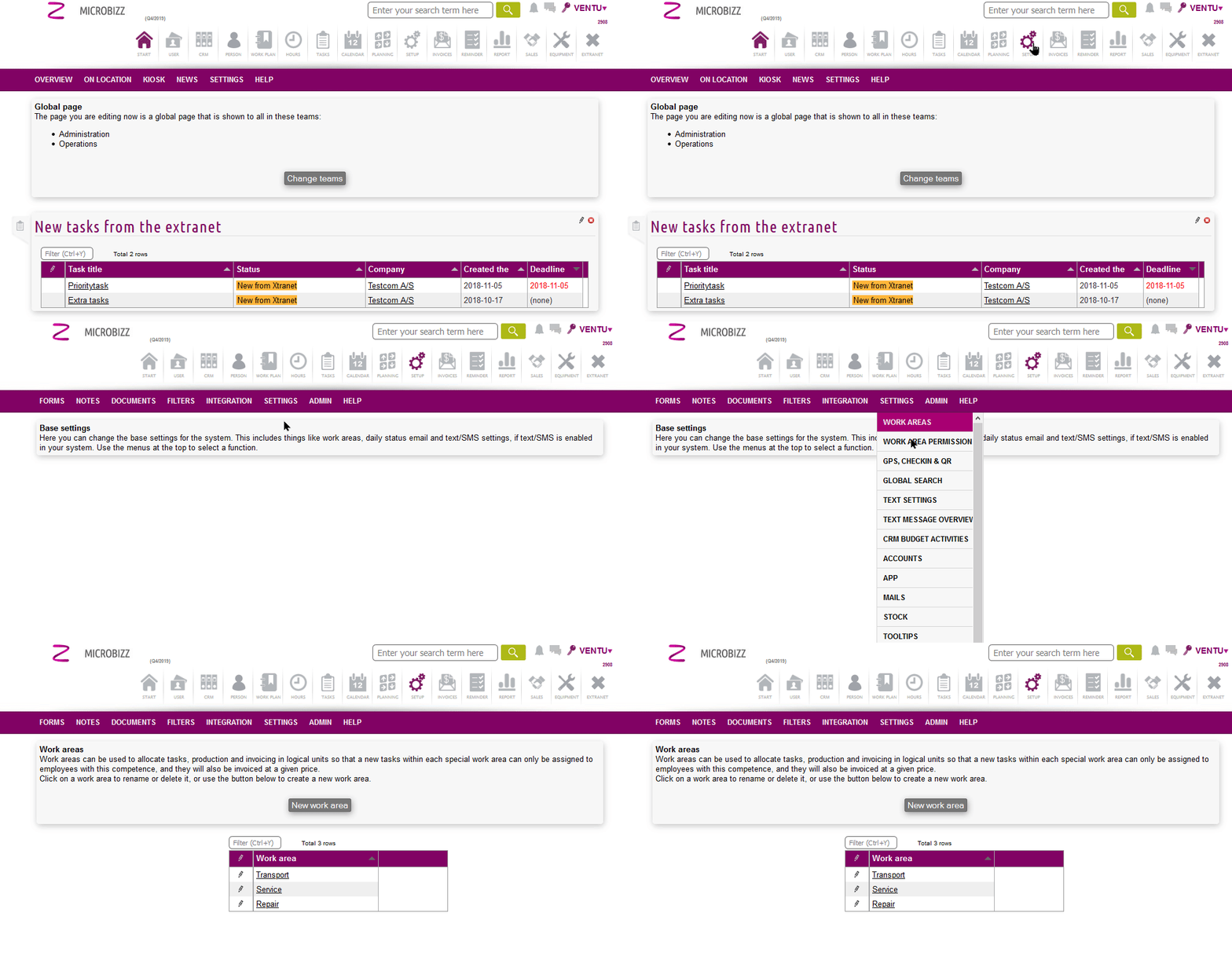
Work areas are managed in the SETUP module. To access and manage work areas, follow these steps:
- Open the SETUP module from the main navigation.
- Locate the Work Areas section.
- Add, edit, or delete work areas as required.
- Save your changes before leaving the page.