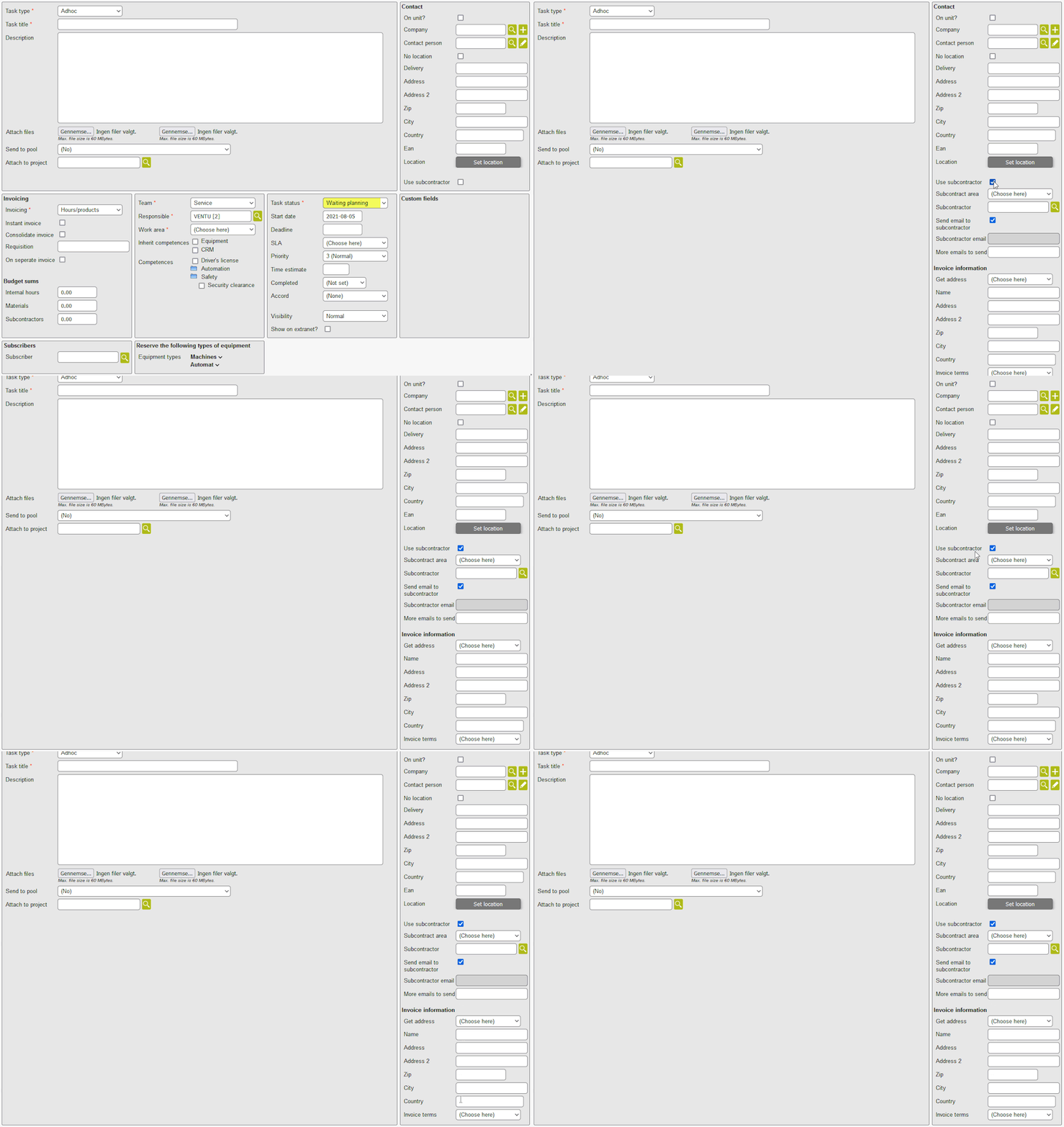
The Task module's subcontractor functionality must be switched on by Ventu.
The idea is that each task can have a subcontractor who is informed about the creation of the task and can say that they will perform the task.
For each task you can specify a subcontractor. An email is sent to the subcontractor when the task is created, it's close to the deadline etc. You may also force a resend of the mail from the task details card.
The email contains various information, among other things, different fields, item consumption, and different help texts on how to send invoices. All files that belong to the task (from the FILES tab) and are marked as "Show on extranet" will be included with the email; this is regardless of whether or not they are stored in a folder that is shown on the extranet.
The email contains links that the subcontractor can use to approve / reject the assignment, and to mark the assignment as completed. This causes the task to change status as specified in the setup.
Settings
It is possible to configure whether only companies explicitly marked as subcontractors can be selected as subcontractors on tasks. For a full overview of the available settings, refer to the subcontractor settings documentation. this page.
How do I assign a subcontractor when creating or editing a task?
When you create or edit a task, you can choose which company will be the subcontractor.