
You can plan tasks on a project in two main ways:
- From planning tab
- From the timeline
Planning from the planning tab, will let the user plan all the tasks attached to a project, without having to either create or use the timeline.
It is also the only way of adding normal planning for tasks in a project.
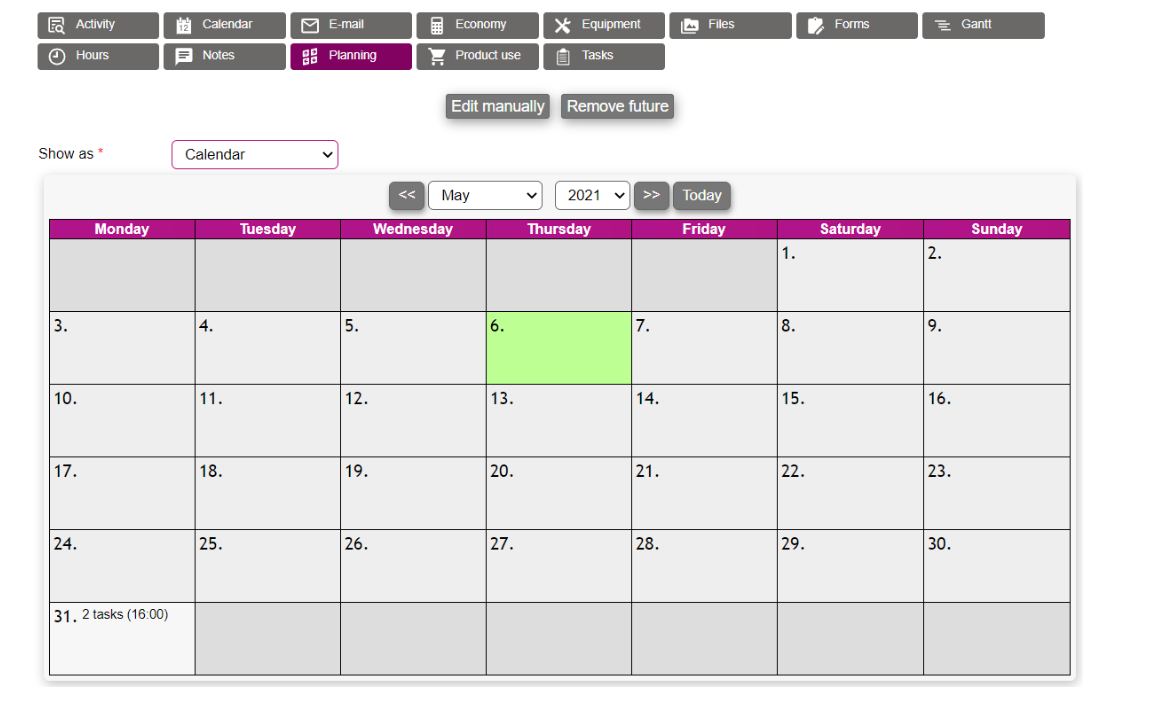
In the tab the user is met with a list of existing planning for this project.
Using the show as dropdown, the view can be toggled between calendar and list view.
How do you plan the tasks?
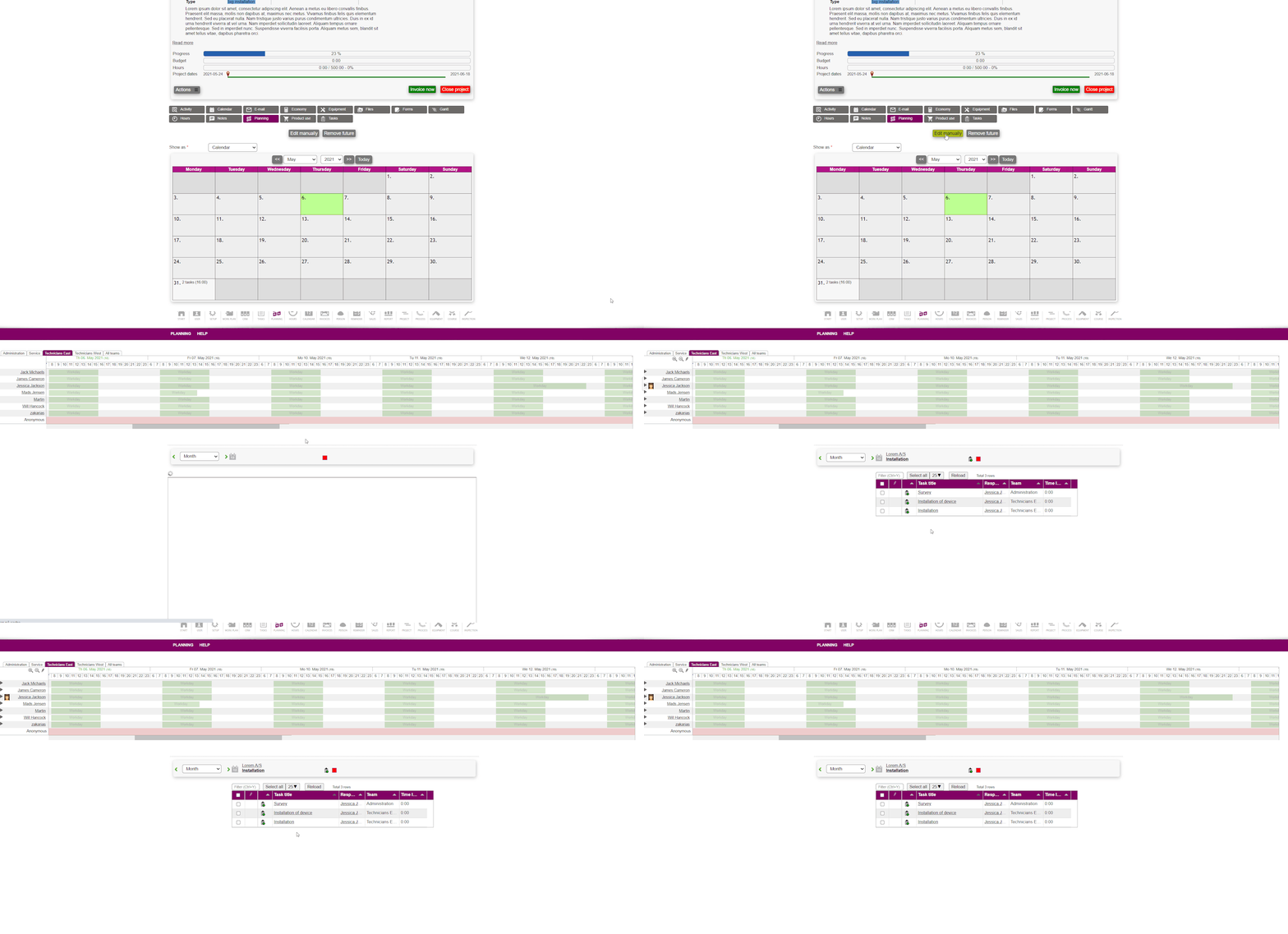
To plan the tasks, simply press edit manually.
This opens the planning module and starts a normal planning session for all tasks at the same time, as shown in the animation below.
The tasks list in the bottom of the planning module are filtered to only show the tasks from the specific project.
From here the planning is done as explained here.
How do you remove planning?
Removing planning is either done through the planning module, or from the planning tab on the project.
From the tab press remove future, which will remove all planning from the future for all tasks on the project.