
In this section, you can specify the expected number of hours each employee should register on a given weekday.
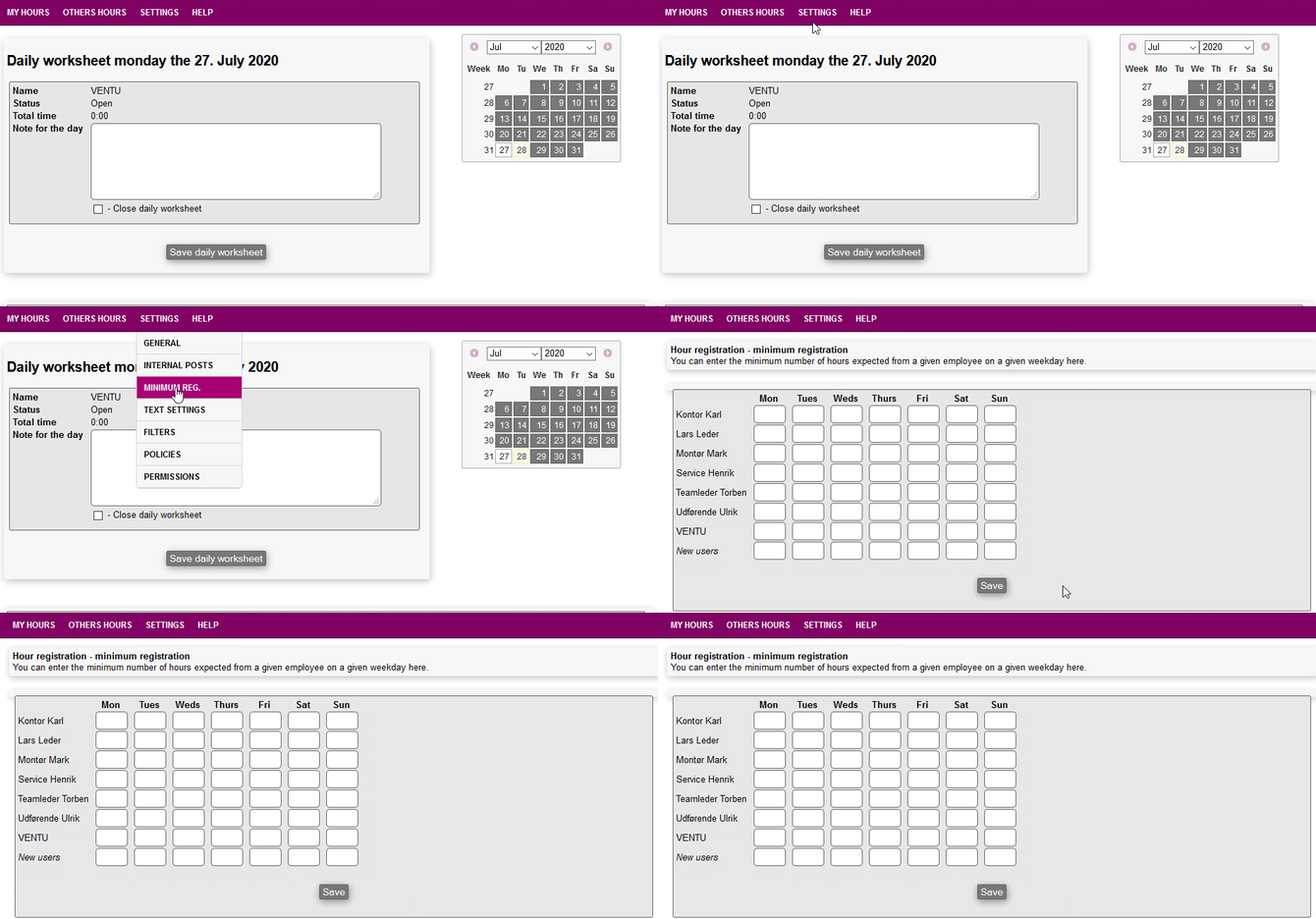
If the employee then tries to close a daily worksheet containing fewer hours than expected, then the employee will be notified that there is a difference between the registered and the expected amount.
Note: The employee can still choose to close the worksheet despite the warning. If an employee registers more hours than expected, no notification is triggered. To configure expected hours, navigate to the employee's profile and enter the target hours for each weekday.