
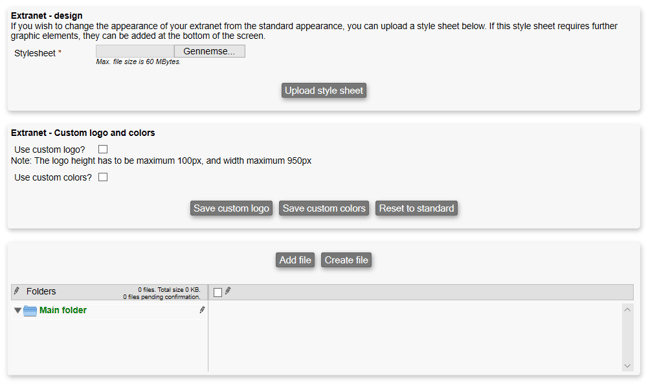
You can customize the Extranet's design and layout by uploading a new stylesheet with the Upload style sheet button.
The format of the style sheet file usually ends with the extension .css.
To get some inspiration, you can download the original stylesheet from here: https://system.microbizz.dk/gfx/xnet/style.css
You can also choose to add a custom logo and colors to your pages in the Extranet:
- Use custom logo?: If checked, you can add a custom logo to your design. Upload one using the Save custom logo button.
- Use custom colors?: If checked, you can add custom colors to your design. Apply them using the Save custom colors button.
The Reset to standard button resets your design's logo and colors to the standard ones.
Finally, you can manage supporting files for your Extranet design using the Add file button (to upload an existing file) and the Create file button (to create a new file). These files are then always available for use within your Extranet design.